
CONCEPTConcept — not a commissioned project
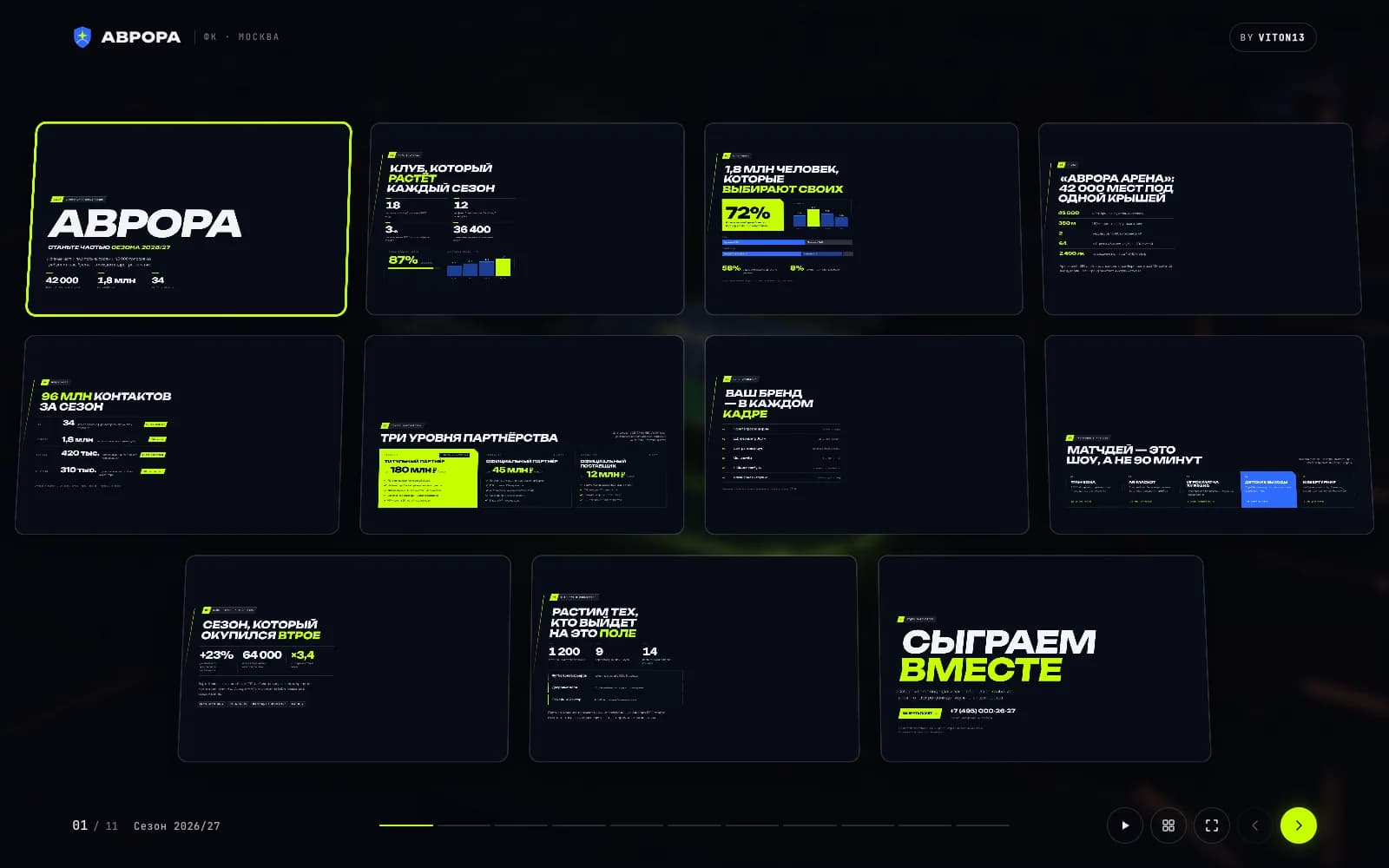
3D presentations: seven decks that open from a link and fly a live camera
Seven presentation concepts that open from a link: a sponsorship package, a Series A pitch, a product launch, a residential tower, a space company, a festival and a clinic. Every deck is HTML slides over a live three.js scene, and every slide flies the camera to its own shot; one engine adds keyboard and swipe control, a 3D overview of all slides and a PDF for email.
Open the live project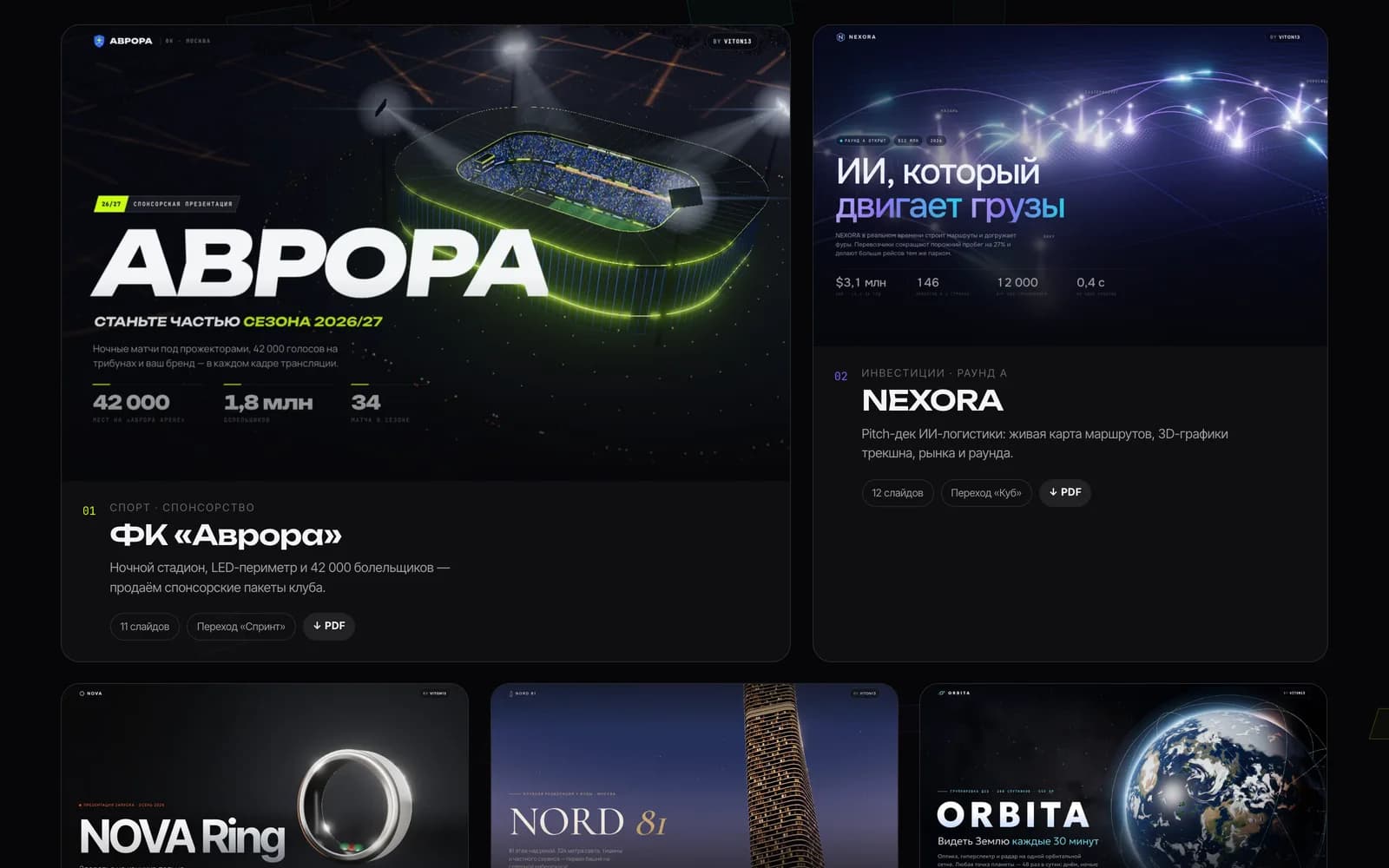
- presentations: sport, investment, product, real estate, space, festival, medicine
- 7
- slides, each with its own camera station in the 3D scene
- 78
- every reading on two slides per deck, 1600 × 1000 on a Retina scale, MacBook with Apple M5
- 60 fps
- JavaScript per deck gzipped at most, three.js and GSAP included
- 0.25 MB
Task
A presentation is often the first thing a buyer, an investor or a sponsor actually opens, and most of them are a PDF that looks like every other PDF. VITON13 built 3D presentations as a concept to show another format for the jobs clients bring most often: selling a sponsorship package, raising a round, launching a product, selling homes in a new tower, presenting a technology company, bringing partners to a festival and explaining a medical service.
The brief we set ourselves: a presentation that opens from a link on any screen and is remembered like a film, yet still behaves like a presentation — slides, arrow keys, a clicker, a link to a single slide and a PDF to attach to an email. Every brand in the set is fictional, and the last slide of every deck says so.
What we did
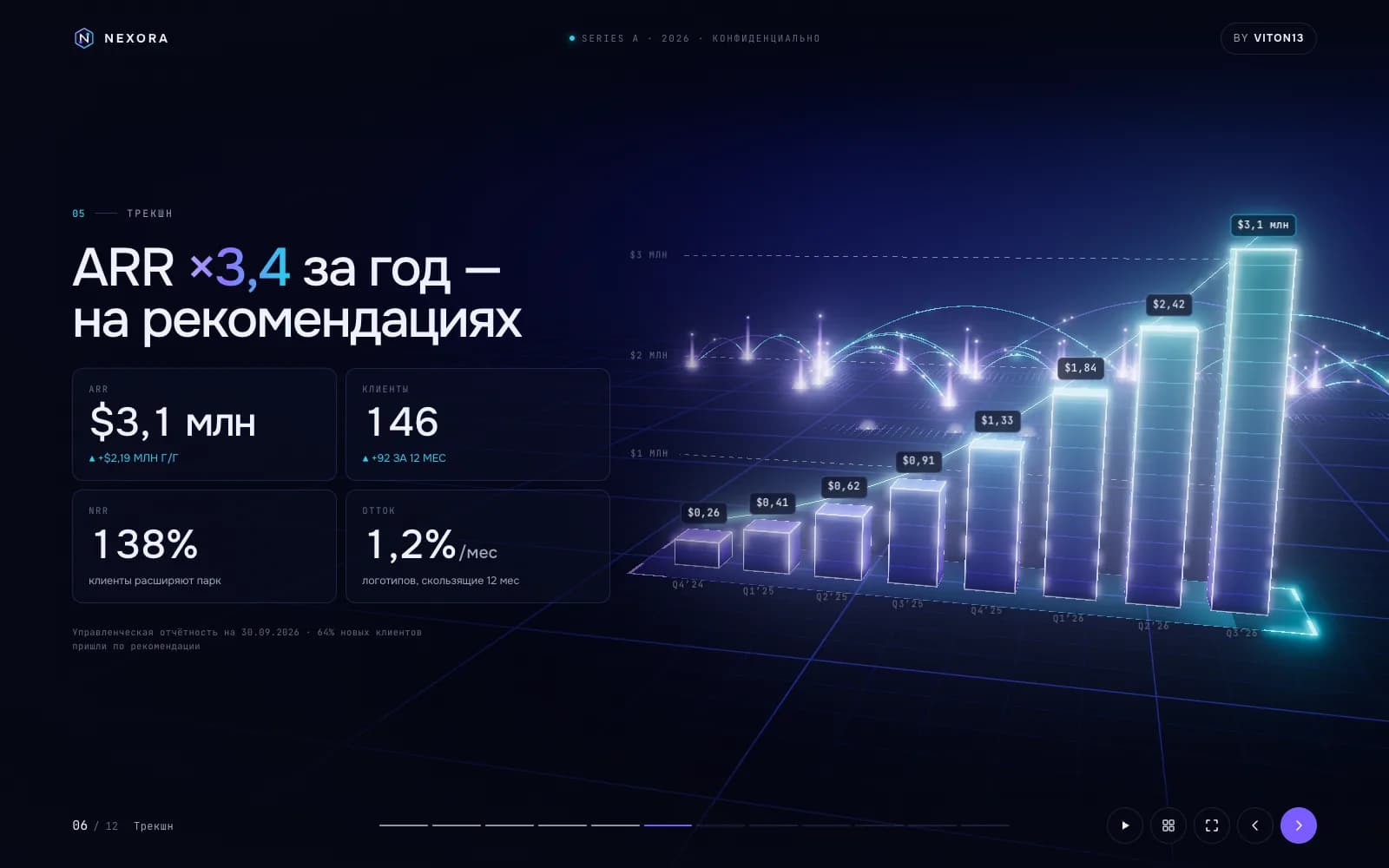
Seven decks and a hub page, 78 slides in Russian: the Avrora football club (sponsorship, 11 slides), the NEXORA Series A pitch (12), the NOVA Ring launch (11), the NORD 81 residential tower (11), the ORBITA space company (11), the PULSE 2027 festival (11) and the HELIX genomic clinic (11). Each deck has its own scene, palette, fonts and one of seven 3D transitions chosen for the brand: a sprint with speed streaks, a cube, a fly-through, a book page, an orbit, a glitch flip and a soft rise.
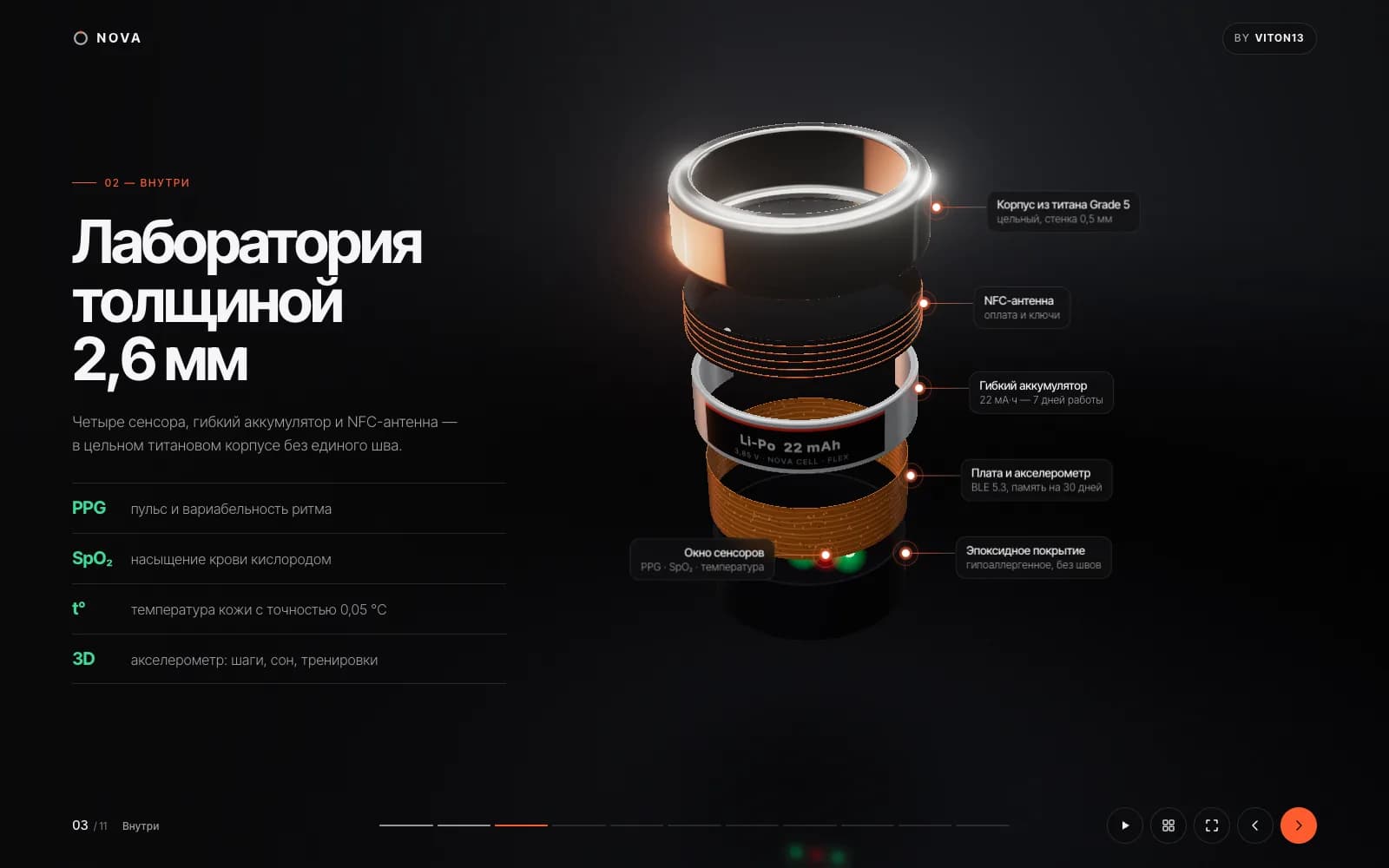
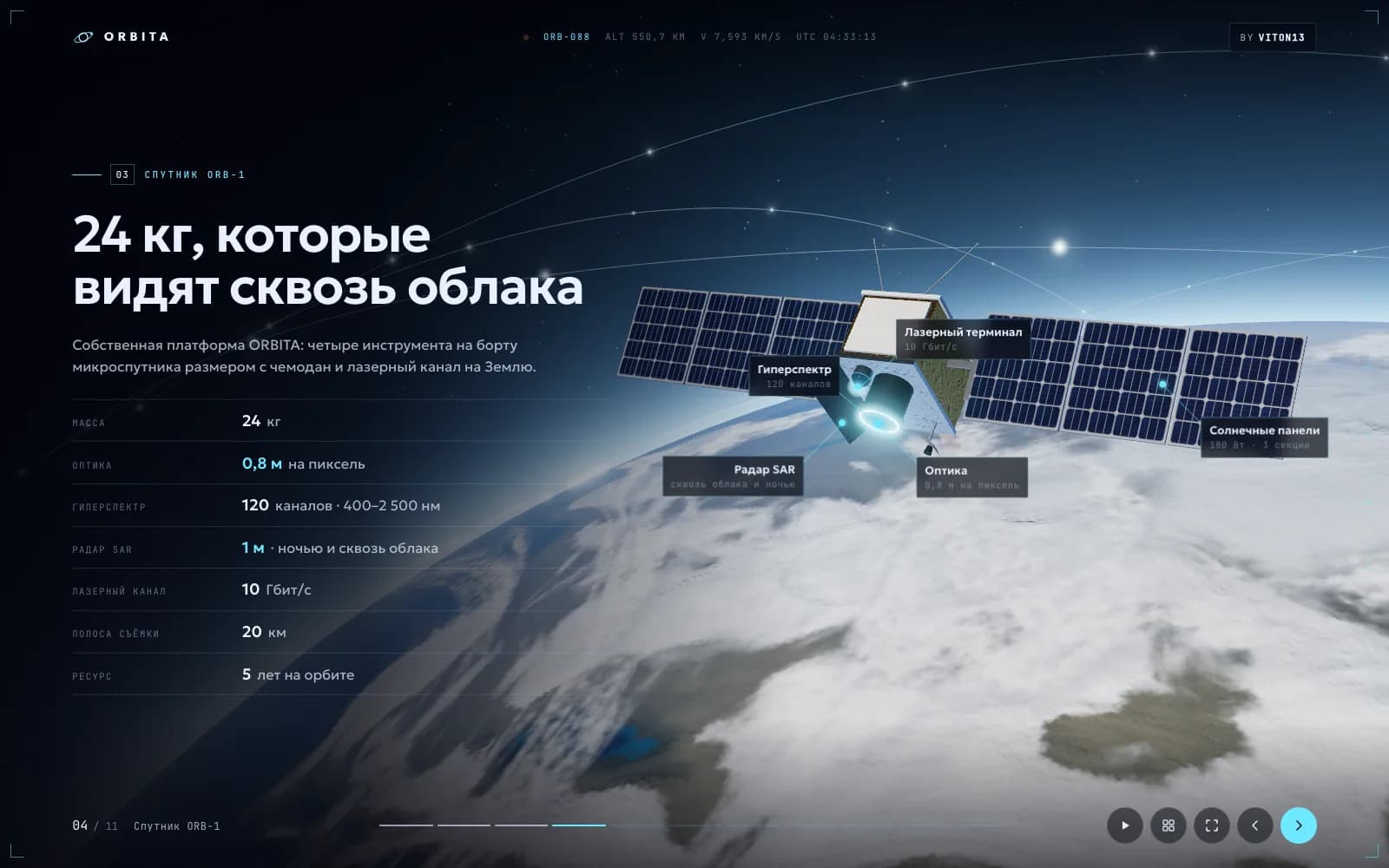
Inside the scenes: a night stadium with about 43,000 seats and fans, a 324-metre tower that rebuilds floor by floor on the construction slide, a ring that comes apart into six labelled parts, a satellite unfolding its panels over an Earth generated with shaders, a stage and crowd moving to 124 BPM and a glossy DNA helix. Numbers count up, charts grow and 3D callouts pin to parts of the scene as a slide opens.
How it works
One engine runs all seven decks. Each slide is HTML text over a canvas, so it stays readable and selectable, and each slide has a camera station in the scene: moving to the next slide is a camera flight. Control follows presentation habits: arrow keys, space, the mouse wheel and swipe; O opens a 3D overview of every slide, F goes full screen, A starts autoplay, and every slide has its own link. On phones the text moves into a scrolling panel under the scene.
The scenes are built entirely in code, with no 3D models, photos or video: instanced meshes for repeated objects such as seats and windows, bloom as the only post-effect and procedural textures. Every deck is a static folder with relative addresses, so it runs from any path, and a script renders each deck to a 16:9 PDF for email. The demo is marked noindex, nofollow.
What exists now
The set is live at tarasovvitalii.com/demos/presentations/: a hub, seven decks, 78 slides, seven PDF versions and seven 3D transitions, built on 28 September 2026. That day we counted frames with requestAnimationFrame for three seconds on two slides of every deck, in headless Chrome with ANGLE Metal on a MacBook with an Apple M5 at 1600 × 1000 on a Retina scale: all 14 readings were 60 fps (60.1–60.2). Each deck loads 235–252 KB of JavaScript with gzip, three.js and GSAP included; the whole build is 27 MB, 14 MB of it the PDFs.
On the live address the same day Lighthouse gave the hub performance 92 on mobile and 99 on desktop, and the NORD 81 deck 86 and 98 (medians of three runs), with best practices at 100 on both pages. Every deck has one H1 and fits a 390 px screen; the hub is the one page that scrolls sideways on a phone, which the review below lists as the first thing to fix.
What this does not prove
3D presentations is a concept VITON13 built to show the format, not a commissioned project. The football club, the startup, the ring, the tower, the space company, the festival and the clinic are fictional, as are their numbers, prices, people and phone numbers; the decks prove nothing about raised rounds, sold sponsorships or homes.
There are no photos or videos inside: every image is drawn in code. The frame rate was measured on one machine with a recent Apple chip in headless Chrome and says nothing about older phones or office laptops; Lighthouse measures loading, not how smoothly a scene runs. The decks are in Russian only and are kept out of search on purpose.
SEO review
Measured on the live address on 28 September 2026. Lighthouse 13.5.0 (three runs per device, medians, on a MacBook at a load average of about 3) gave the hub page performance 92 on mobile (LCP 2.4 s, 0.77 MB) and 99 on desktop (LCP 0.8 s), accessibility 96 and best practices 100; the NORD 81 deck on its own scored 86 on mobile and 98 on desktop. SEO is 66 on the hub and 63 on the deck because the demo is marked noindex, nofollow in the pages and in the server header: it is a concept, and the page meant for search is its case on the portfolio.
Checked on 28 September 2026: 8 pages rendered in Chrome the way a search crawler sees them, plus Lighthouse 13 on the home page.
Lighthouse, home page
- Performance
- Mobile92Desktop99
- Accessibility
- Mobile96Desktop96
- Best practices
- Mobile100Desktop100
- SEO
- Mobile66Desktop66
On-page and technical checks
- Unique page titlesin place8/8
- Title length 30–65 charactersmissing2/8
- Meta descriptions 70–170 charactersin place8/8
- One H1 per pagein place8/8
- Page language declaredin placeru
- Mobile layout without sideways scrollpartly7/8
- Images with alt textin place7/7
- Broken internal linksin place0
- Canonical URLmissing0/8
- Open Graph title and imagemissing0/8
- Structured data (JSON-LD)missing0/8
- sitemap.xml and robots.txtpartly1/2
Checked on the hub and the seven decks, rendered in headless Chrome at 390 px. In place: a title and a description on all 8 pages, one H1 each, the language declared (ru), alt text on all 7 images of the hub (the decks have no images: their scenes are canvas) and 0 broken links among 20 targets. Partly: 6 of the 8 titles run to 75–83 characters, three descriptions are longer than 170 characters, and the hub scrolls sideways at 390 px (504 px wide) because one phrase in its headline is held together by non-breaking spaces. Missing: no canonical URL and no JSON-LD on any page, no Open Graph tags on the decks, and the hub’s og:image is a relative path that link previews cannot resolve. robots.txt sits at the domain root; the demo is kept out of sitemap.xml on purpose, while its portfolio case is listed in four languages.
If the decks were a client’s: keep each deck’s link out of search, and open the hub with its own title, a canonical URL, an absolute Open Graph image and a CreativeWork entry in JSON-LD; give every deck an Open Graph card so a link sent in a messenger shows its cover; shorten the six long titles and the three long descriptions; and let the hub headline wrap on phones. On a deck the largest paint on a phone is the first slide’s lead text, at 2.8 s.
Services this case shows
Describe the task on the service page; a written scope, timeline and price come back within one working day.
Discuss a similar projectMore cases
All cases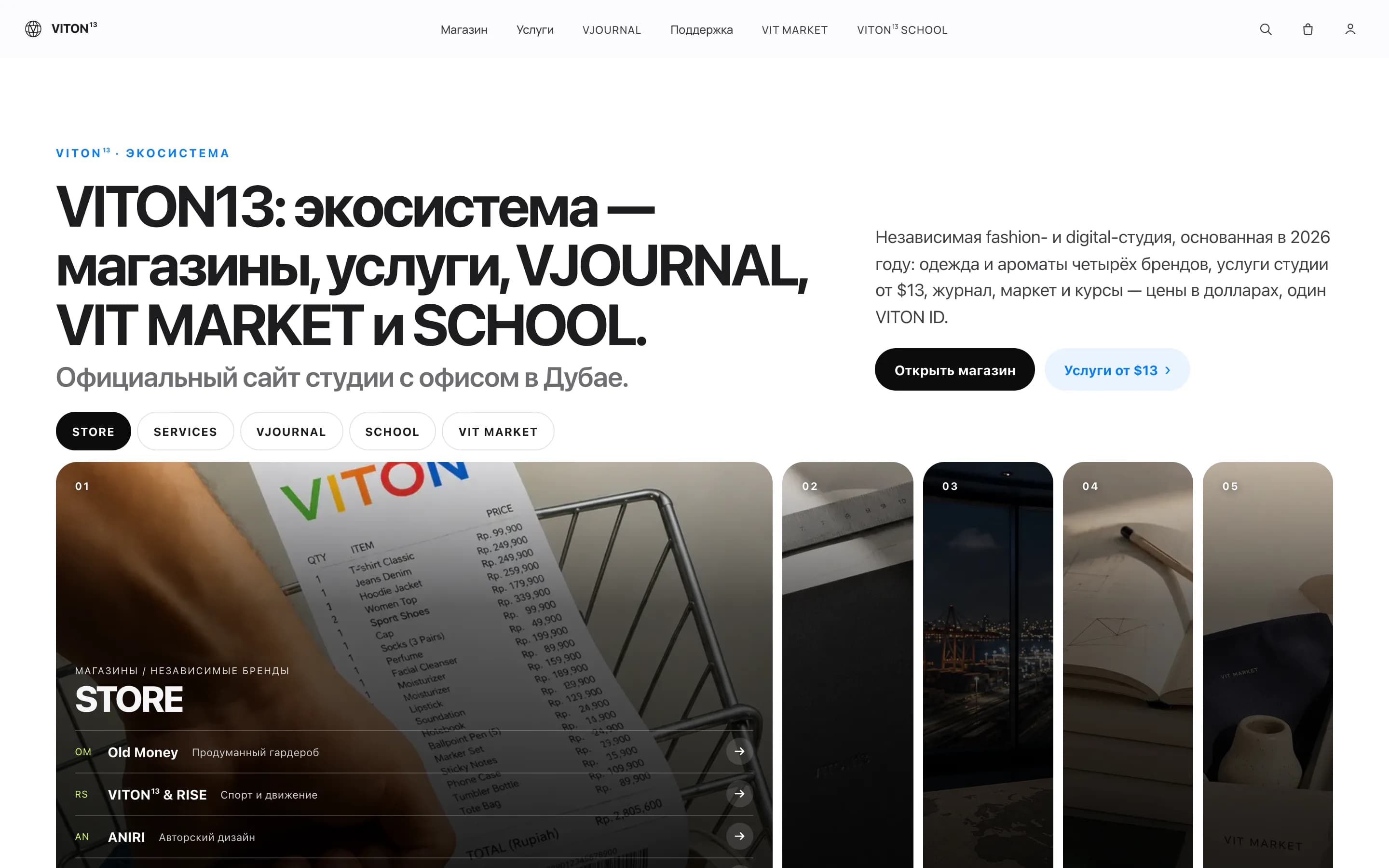
INTERNALOur own product
viton13.com
Next.js 16 · 5 languages · 7 hosts · 2026
VITON13’s own website: one Next.js application serves the main domain and six section subdomains in English, Russian, Spanish, French and Hindi. Before a release goes live, a crawl checks its internal routes.
Read the case →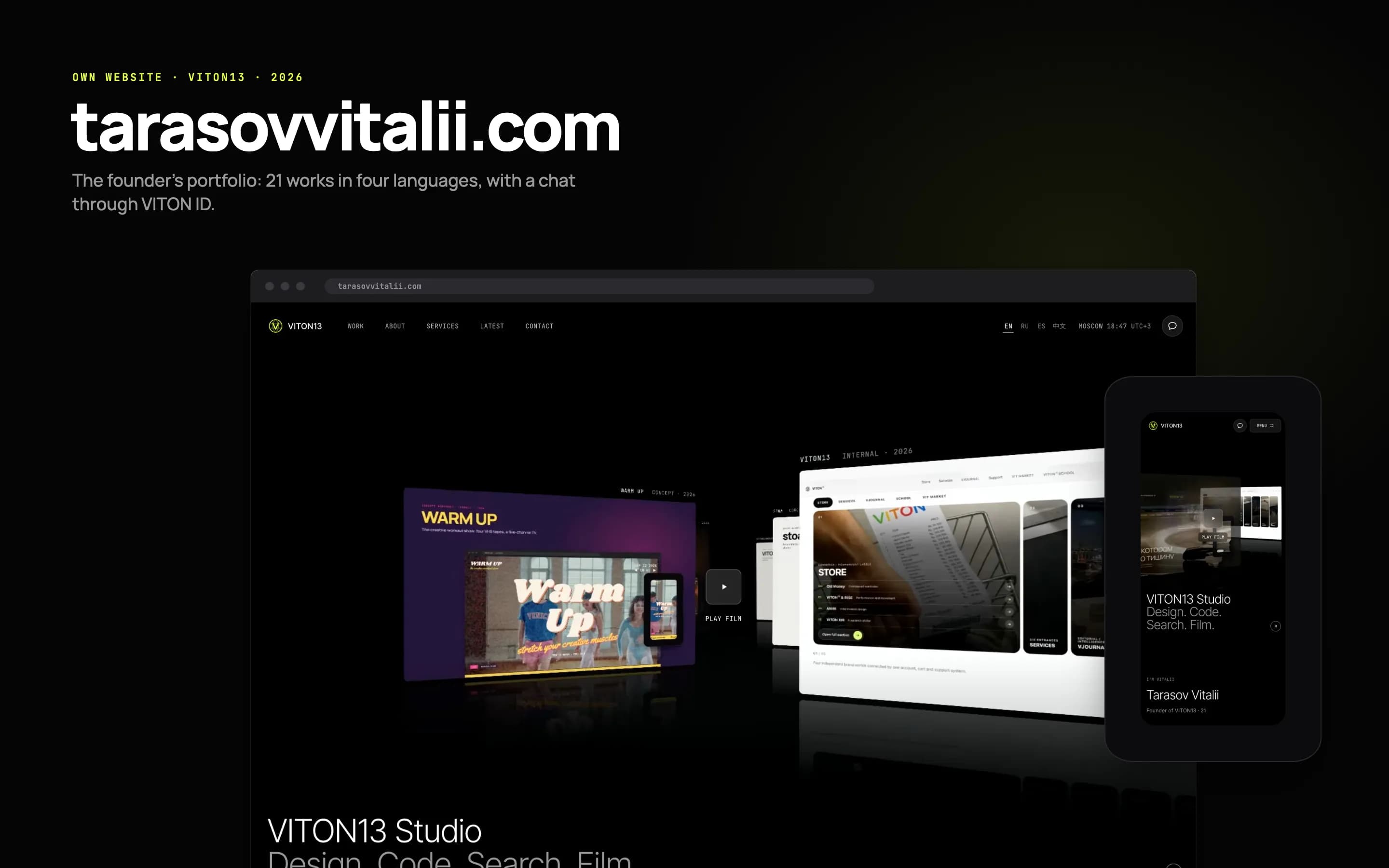
INTERNALOur own product
tarasovvitalii.com
Own website · 4 languages · 21 works · 2026
The personal website of Vitalii Tarasov, the founder of VITON13, designed and built by the studio and live since 23 September 2026. It shows 21 works, each labelled client, own product or concept, in English, Russian, Spanish and Chinese, lets visitors write to him through VITON ID and opens on a showreel drawn frame by frame in code, 47.6 seconds in full.
Read the case →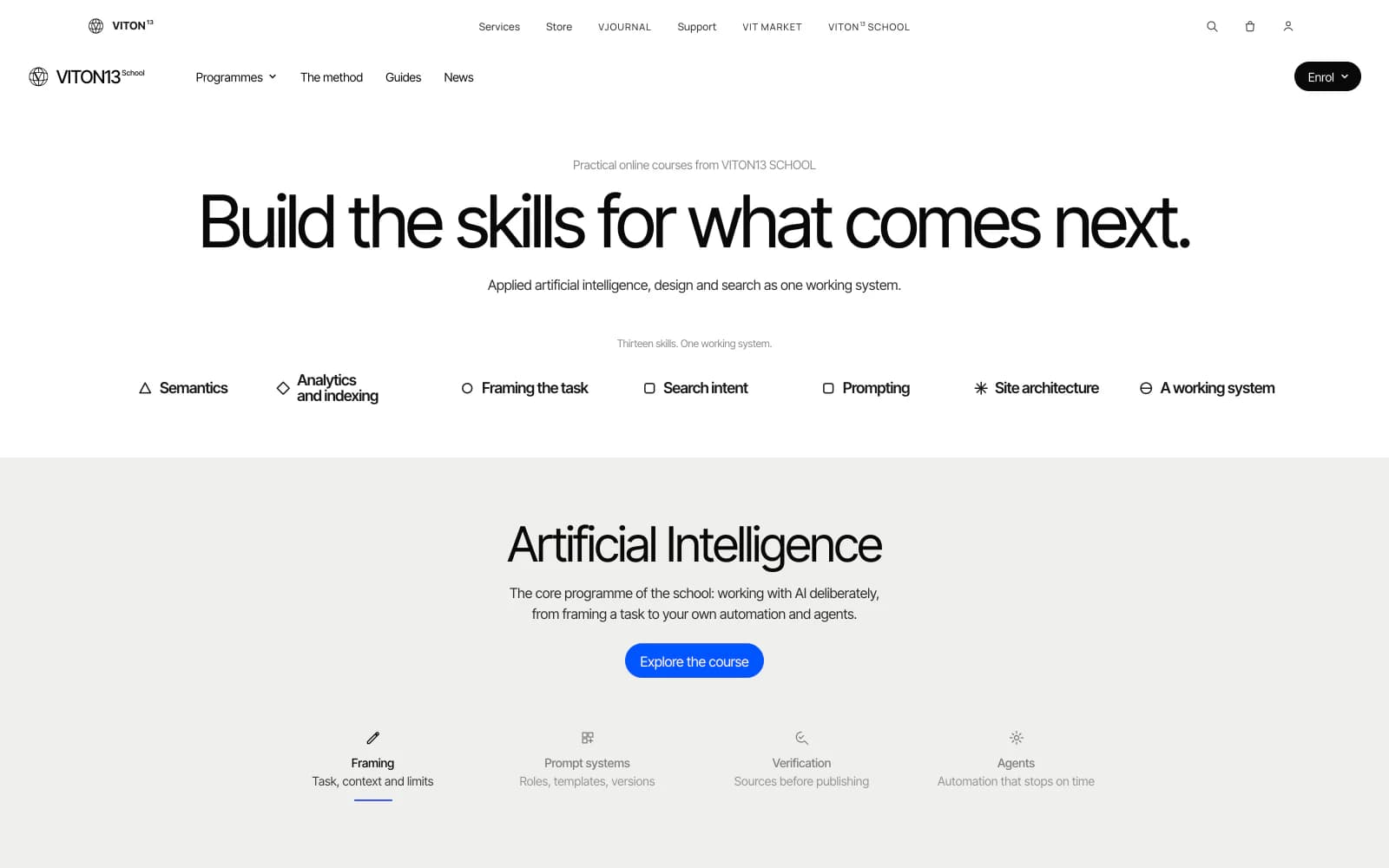
INTERNALOur own product
VITON13 SCHOOL landing page
Own website · 5 languages · 3 courses · 2026
The landing page of VITON13 SCHOOL, our online school of applied AI, AI design and SEO, rebuilt on 25 September 2026 as a calm product page in five languages. A lesson plays as live HTML on the screen of an AI-generated laptop photo, and on 27 September Lighthouse gave the page 93 for performance on a phone and 100 on desktop. Our own school, not a client project.
Read the case →