
Design
How much does UI/UX design for an app cost in 2026, screen by screen?
Market guides put the design of a 15–25-screen app MVP at $15,000–40,000 (Parallel, July 2026); Clutch says reviewed UX/UI projects typically cost $10,000–49,999. Screens multiplied by states, roles and platforms set any quote. VITON13's Mobile app UX/UI package is $93 AI-assisted or $113 human-led, covering user flows, core screens and a component library.
How much does app UI/UX design cost in 2026, by route?
Nobody can price an app design before the screens are counted, so the market publishes hourly rates and project ranges instead, and the spread is wide.
| Route | Published price | Billed by | Source |
|---|---|---|---|
| Freelance designer | $20–50 an hour junior; $100–200 senior | Hours | Parallel, 2 Jul 2026 |
| UX agency listed on Clutch | $25–49 an hour most often; $100–149 in the US; $50–99 in the UK, Poland and Spain | Hours or project | Clutch, 21 Sep 2026 |
| Mobile app MVP of 15–25 screens | $15,000–40,000 | Project | Parallel, 2 Jul 2026 |
| UX/UI projects reviewed on Clutch | Typically $10,000–49,999; the average agency project is about $85,000 | Project | Clutch, 21 Sep 2026 |
| Russian studio, app of medium complexity | 450,000–750,000 ₽ for 100–200 design hours | Hours × studio rate | Purrweb, 9 Jul 2026 |
| VITON13 Mobile app UX/UI, AI-assisted | $93 | Fixed package | Our published price |
| VITON13 Mobile app UX/UI, human-led | $113 | Fixed package | Our published price |
| VITON13 SaaS product design | $213 AI-assisted or $313 human-led | Fixed package | Our published price |
A package and a five-figure agency project are not the same work at two prices. Agency ranges usually carry user research, testing rounds and months of iteration; Clutch puts the typical reviewed UX project at 10 months. Our package buys a bounded result: the core flows of one product, drawn and connected for a developer. In the AI-assisted mode AI drafts and a designer directs and checks every screen; in the human-led mode a designer does the work and AI only assists.
Per hour, per screen, per flow or per sprint: which unit protects the buyer?
The unit on a quote decides who pays when the app grows beyond the brief.
| Unit | How it works | Your risk | Fits when |
|---|---|---|---|
| Per hour | Hours worked × rate | Every open question becomes paid hours | The product still changes weekly |
| Per screen | A price for each unique screen | States and variants are billed as extra screens | The screen list is final |
| Per flow | A price per task a user completes, such as sign-up or checkout | Loosely defined flows lose their edge cases | You can name the 3–6 tasks that matter |
| Per sprint | A team for one or two weeks at a time | Progress stalls when approvals are slow | Someone on your side decides fast |
| Fixed package | A written scope at a set price | Work outside the scope is quoted separately | Version one is bounded and its flows are known |
Purrweb estimates that a vague brief adds 30–50% to a design budget. Whatever the unit, the defence is a counted screen list attached to the quote, so both sides price the same thing.
What turns 12 screens into 60 in a design quote?
A feature list hides most of the drawing. Each line below multiplies the frames a designer must produce and check.
- States: a screen that shows data needs empty, loading, error and filled versions; a form adds validation and success.
- Roles: a guest, a member and an admin see different menus, permissions and empty states.
- Platforms: iOS and Android share flows but not every navigation pattern or system control; tablet and web add layouts, so ask which platform is drawn first.
- Dark mode: every colour needs a second value and every screen a second contrast check.
- Languages: German and French strings run longer than English, and right-to-left scripts mirror the layout.
- Accessibility: larger system text, a sensible focus order and touch targets of at least 24 × 24 CSS pixels (WCAG 2.2).
Twelve screens with an empty, a loading and an error state each already make 48 frames. An admin who sees a different menu on three of them adds another twelve. When a designer quotes per screen, ask which states and variants the number includes.
How do you count your screens before asking for a quote?
Fill in this worksheet before the first call. It turns a wish list into a scope a studio can price and lets you compare quotes line by line.
| Line | What to write down | Why it moves the price |
|---|---|---|
| Core tasks | The 3–6 things a user must manage in version one | Each task is a flow with its own screens |
| Screens per task | Every step from entry to done, confirmations included | The base count everything else multiplies |
| States | Which screens can be empty, loading, failed or offline | Often doubles the work on data-heavy screens |
| Roles | Guest, member, admin, partner: who sees what | Each role adds variants and permissions |
| Platforms | iOS, Android, web or tablet, and which ships first | New layouts and platform conventions |
| Themes and languages | Light only or also dark; one language or several | A second colour set, longer strings, mirrored layouts |
| What already exists | Logo, colours, fonts, an old app, analytics | Reuse saves discovery and identity work |
| Later, on purpose | Features you are deliberately leaving for version two | Stops the scope from quietly growing |
Attach it to your request, and the estimate prices the product you described rather than a guess.
When is a design system worth paying for, and when is it not?
A component library is the reusable set of buttons, fields, cards and menus every screen is built from. A design system adds foundations (colour, type and spacing tokens), usage rules and governance, so several people can extend the product consistently. Parallel prices a design-system build alone at $8,000–30,000.
- Worth it: two or more platforms, several developers, new screens every month, or a second product under the same brand.
- Not yet: a first MVP with one developer, a prototype built to test demand, or core flows that may still change.
- Middle path: build the component library inside the app design, then grow it into a system once the flows settle.
The Mobile app UX/UI package includes a component library; design system development, with foundations and governance documentation, is a separate package at $113 AI-assisted or $173 human-led for when the product outgrows the library.
Which handoff files show that app design was done properly?
Design quality becomes visible the day a developer opens the files. Check this list before you approve the last revision round.
| Deliverable | A complete handoff has | Red flag |
|---|---|---|
| User flows | Every core task mapped from entry to done, with decision points | Polished screens with no map of how they connect |
| Screens and states | Empty, loading, error and success versions of data screens | Only the happy path is drawn |
| Component library | Named components with variants, reused on every screen | One-off elements redrawn screen by screen |
| Specs and tokens | Colour, type, spacing and radius as named values | Developers measure pixels by eye |
| Prototype | Core flows linked so they can be tried on a phone | Static images only |
| Accessibility notes | Contrast, text scaling, focus order, 24 × 24 CSS px targets | Accessibility left for the developer to guess |
| Editable source files | Working files that pass to you with the rights | Exported PNGs or a view-only link |
Keep the working files in a workspace your company controls. On Figma's paid plans others can view and comment without extra seats, and a Professional Dev seat for a developer is listed at $12 a month.
When should you not order app design yet?
Some buyers are better served by a cheaper step first.
- Demand is untested: a landing page with a waitlist costs less than an app and shows whether anyone wants it.
- The app exists and users complain: start with a UX audit ($53 AI-assisted or $73 human-led, one key journey, up to 10 screens) or a mobile UX review ($33 AI-assisted or $53 human-led) before redrawing anything.
- You need research with real users: recruiting, incentives and interviews are a separate budget. Nielsen Norman Group advises testing with about 5 users per round and running several small rounds.
- The product is a platform with several roles: SaaS product design with a role-based interface and engineering handoff ($213 AI-assisted or $313 human-led) fits better than a mobile package.
How VITON13 does it
Mobile app UX/UI is a fixed package for a team that knows what version one must do. Send the worksheet above or a feature list: a written scope with the screen list, timeline and final price comes back inside a working day, and nothing starts or is charged before you approve it.
Mobile app UX/UI
- Price
- $93 AI-assisted or $113 human-led
- Timeline
- 8–15 working days
SaaS product design
- Price
- $213 AI-assisted or $313 human-led
- Timeline
- 15–30 working days
UX audit
- Price
- $53 AI-assisted or $73 human-led
- Timeline
- 3–5 working days
AI-assisted: AI drafts inside defined steps, a person directs and checks every result. Human-led: a specialist does the work and AI assists.
What is included
- User flows for the core tasks named in the written scope
- Core screens for those flows, with the states each one needs agreed in the scope
- A component library the screens are assembled from
- Your choice of mode, AI-assisted or human-led, named in the scope
- Editable files and rights, passing to you once the final price is paid
- A written completion note listing what was delivered
- Timeline: 8–15 working days from an approved scope and materials
Not included
- Recruiting research participants, incentives and interviews
- App development, back end and app-store publishing
- Brand identity and app icon, unless quoted separately
- Fonts, icon sets and other third-party licences
- A full design system with governance documentation
Revisions: 2 revision rounds on the deliverables
Get an estimate in 1 working dayWritten estimate within 1 working day
Example
INTERNALOur own product
VITON ID: our own account cabinet, counted with this guide's worksheet
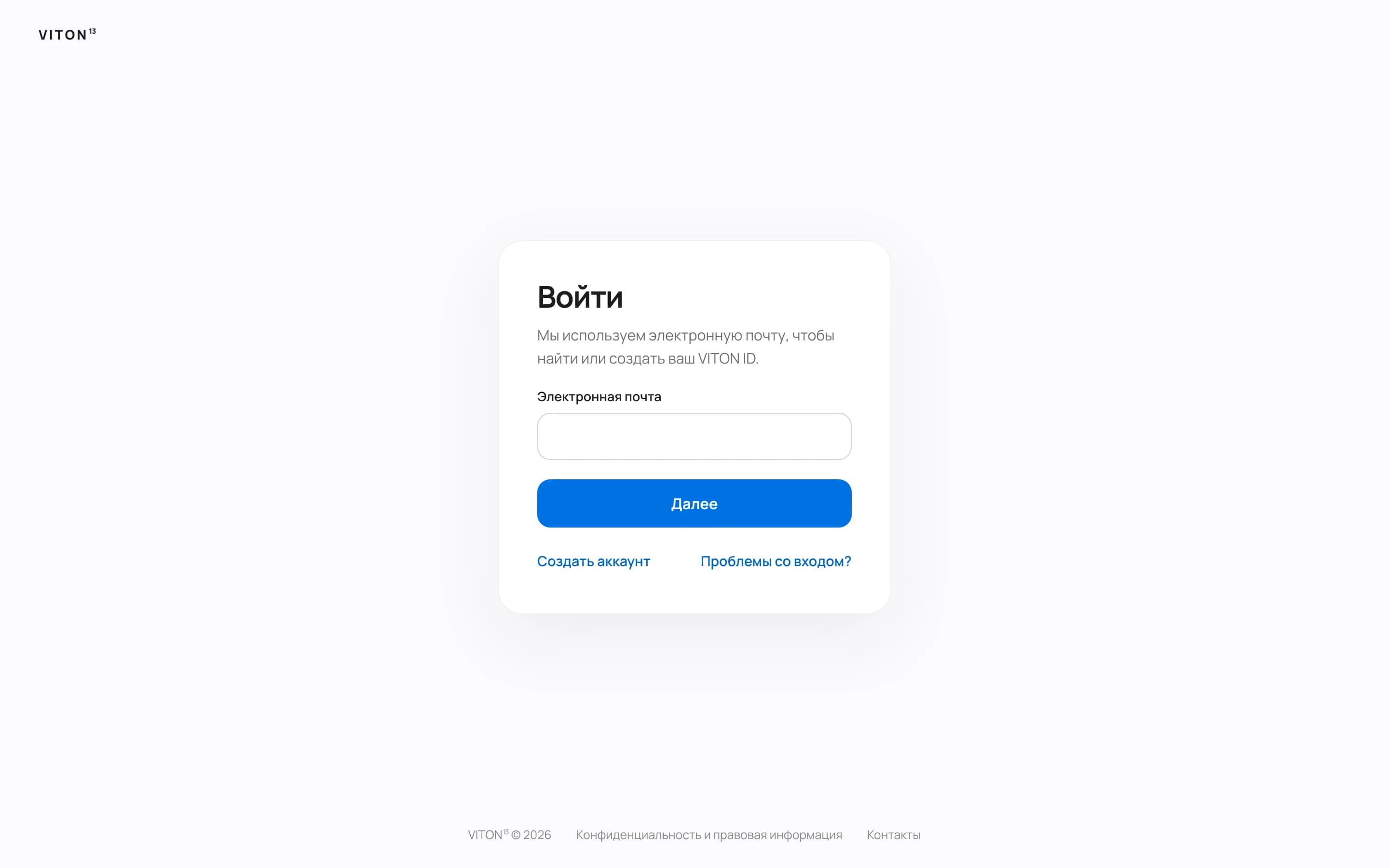
VITON ID is the account behind viton13.com; VITON13 designed, built and runs it for its own site. Counted with the worksheet above: sign-in by email or a 13-digit ID plus a password, an emailed confirmation code and a password reset; ten cabinet views, from Overview and Messages to Orders and Settings; an admin-only Console; a guest line for visitors without an account; copy in five languages. That is three roles and five language versions on top of the view count. For checkout, our ORIVA concept store shows three validated steps: contacts, delivery and payment.
What this does not prove
- VITON ID is our own web product, not a client's native app, and was not made as the Mobile app UX/UI package or at its price.
- No usability study with outside users is published; the signed-in area was checked in code and automated tests, not live.
- The case quotes no member, order or revenue figures, so it shows nothing about conversion.
- ORIVA is a concept for a fictional brand; its checkout takes no payment.
Read the case: VITON ID: one account for sign-in, orders, messages and bonuses
Questions and answers
How long does app UI/UX design take?
Open-ended projects run long: Clutch puts the typical reviewed UX project at 10 months. A bounded package is shorter: Mobile app UX/UI takes 8–15 working days and SaaS product design 15–30 working days from an approved scope. Feedback is the usual bottleneck, so name one person who signs off each round.
Can an app be designed without user research?
Yes, but the design then rests on your assumptions, so test them early. A prototype tried by about five people from your audience per round, as Nielsen Norman Group recommends, surfaces most usability problems cheaply. Recruiting those people and paying their incentives sit outside design packages, ours included.
Who owns the design files and the components?
At VITON13, rights in the delivered work and the agreed editable files pass to you once the final price is paid; fonts, icon sets and other third-party licences stay separate. Wherever you buy, keep the working files in a workspace your company controls rather than only in a designer's personal account.
What if AI-drafted screens come out generic or wrong?
In the AI-assisted mode a designer reviews every screen before you see it, and the 2 revision rounds cover changes to the agreed flows. If you want a person drawing from the first frame, choose human-led at $113. AI never decides the flows or approves the result; you and the designer do.
How is payment handled, and can I cancel?
Nothing is charged before you approve the written scope, and until then you can cancel for free. Once work has started, completed work is charged and the unstarted remainder is refunded. Prices are set in US dollars; the site shows an approximate conversion into your currency.