
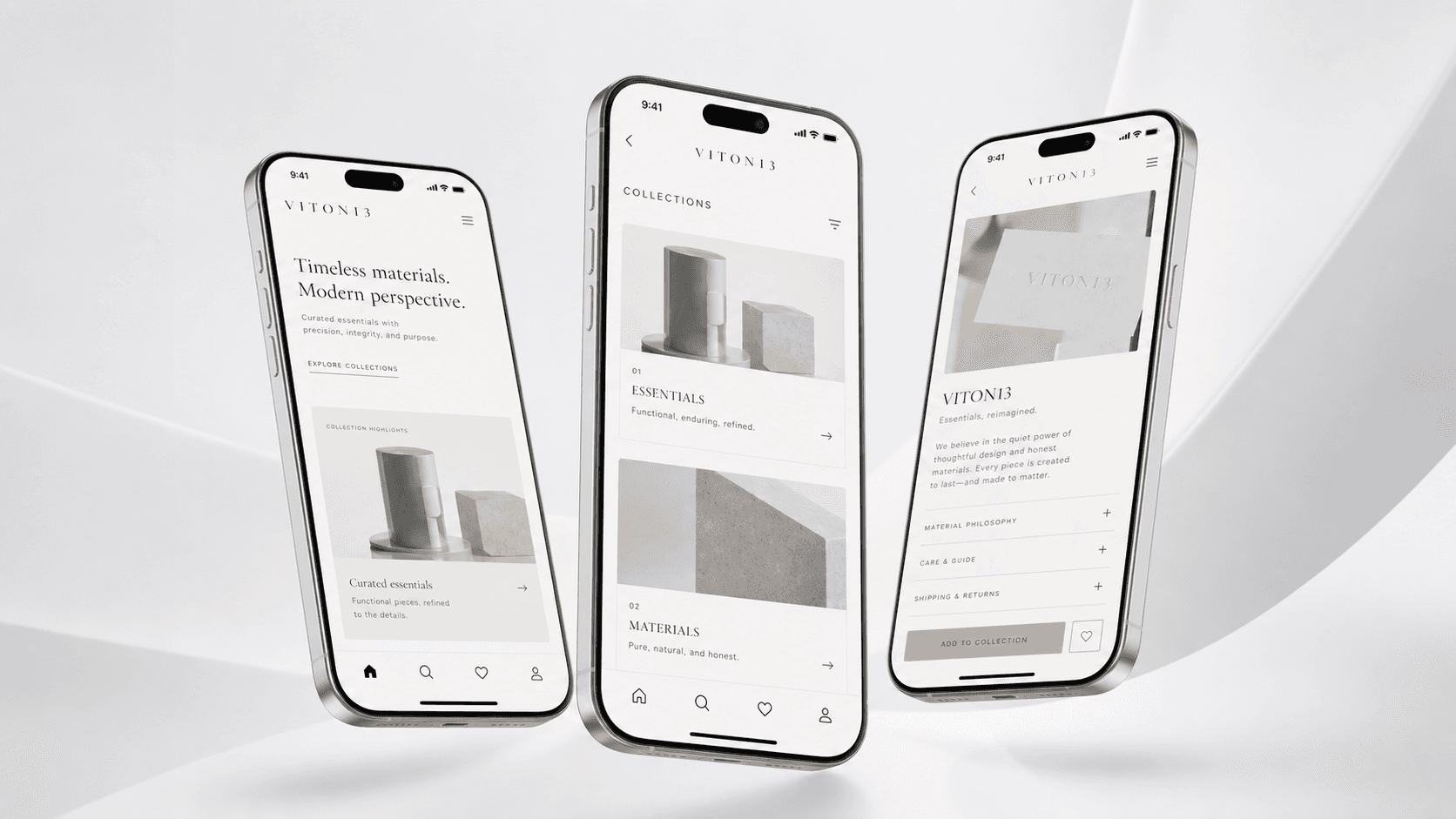
VITON13 / Focused service
App design your developers can build from: flows, screens and a component library in two to three weeks
Mobile app UX/UI in 8–15 working days, from $93 AI-assisted / $113 human-led: up to 3 user flows for the tasks that matter, up to 15 core screens with every state they need, a library of up to 30 components, 1 clickable prototype of the main flow and layouts checked on 2 phone sizes. The price includes 2 revision rounds on the deliverables. Editable files and rights pass to you on final payment.
Get an estimate in 1 working day↘Written estimate within 1 working dayIn short
What does Mobile app UX/UI include?
Mobile app UX/UI starts at USD 93 with AI-assisted production or USD 113 with a human-led route; typical delivery is 8–15 working days.
Includes 2 revision rounds on the deliverables; VITON13 confirms the scope in writing.
What you get and on what terms
Mobile app UX/UI
AI-assistedfrom $93
Human-ledfrom $113
- Timeline
- 8–15 working days
- Revisions
- 2 rounds on the deliverables
- Included
- only the deliverables listed in the agreed package
- Not included
- external costs and work outside the agreed scope
- From you
- brief, current materials and any access needed for this scope
- You receive
- listed deliverables plus a written completion note
Prices in USD; other currencies are approximate. Scope, revisions and dates are written into your estimate.
Who it is for
A team that knows what version one of its app must do and needs a design developers can build without guessing: every screen, every state and every reusable part.
What is included
- Up to 3 user flows for the core tasks, from the first screen to the finished action
- Up to 15 core screens with their loading, empty, error and success states
- A library of up to 30 components the screens are assembled from, with their variants
- 1 clickable prototype of the main flow to test with users and show investors
- Layouts checked on 2 phone sizes, a small and a large screen
Not included
- Recruiting research participants, incentives and interviews
- App development, back end and publishing to the app stores
- Brand identity and the app icon, unless quoted separately
- Fonts, icon sets and other third-party licences
- A full design system with governance documentation
How the work runs
- 01
We agree the tasks users must complete, the screen list and what stays out of version one.
- 02
We map the flows and sketch the screens in grey so the logic is settled before the look.
- 03
We design the screens and the components, build the prototype and walk you through it.
- 04
After the revision rounds you get the editable files, the prototype and a handoff note for developers.
Example
INTERNAL Our own product
VITON ID, the account cabinet behind viton13.com, designed and built by VITON13 for its own site: sign-in by email or a 13-digit ID with a password, ten cabinet views from Overview to Orders and Settings, an admin console, and copy in four languages. Labelled INTERNAL.
VITON ID and the personal cabinet ↗
What this does not prove: It is our own web product, not a client's native app, and it was not made as this package or at its price; no usability study with outside users is published.
Related guides
All guidesDesign
How much does UI/UX design for an app cost in 2026, screen by screen?
Market guides put the design of a 15–25-screen app MVP at $15,000–40,000 (Parallel, July 2026); Clutch says reviewed UX/UI projects typically cost $10,000–49,999. Screens…
Read the guideWebsites and developmentHow much does an MVP cost in 2026? A web app budget from first screen to paying users
In 2026, agency price guides put a simple app or basic MVP at roughly $15,000–$50,000 and two to four months of work; freelancers and no-code tools cost less, complex…
Read the guideWebsites and developmentHow much does a mobile app cost in 2026, and what makes the price move?
An agency-built mobile app usually costs tens of thousands of dollars: Velvetech’s 2026 guide puts simple apps at $40,000–$100,000 and complex ones at $200,000–$400,000…
Read the guideYOUR NEXT PROJECT · DESIGN FROM $33
From an idea to a clear plan.
Explore the scope and starting cost, then talk directly with VITON13. Your selected service stays with the conversation. Written estimate within 1 working day.
Let’s make it yours.
Explore our work or bring your own idea. It starts with a conversation.
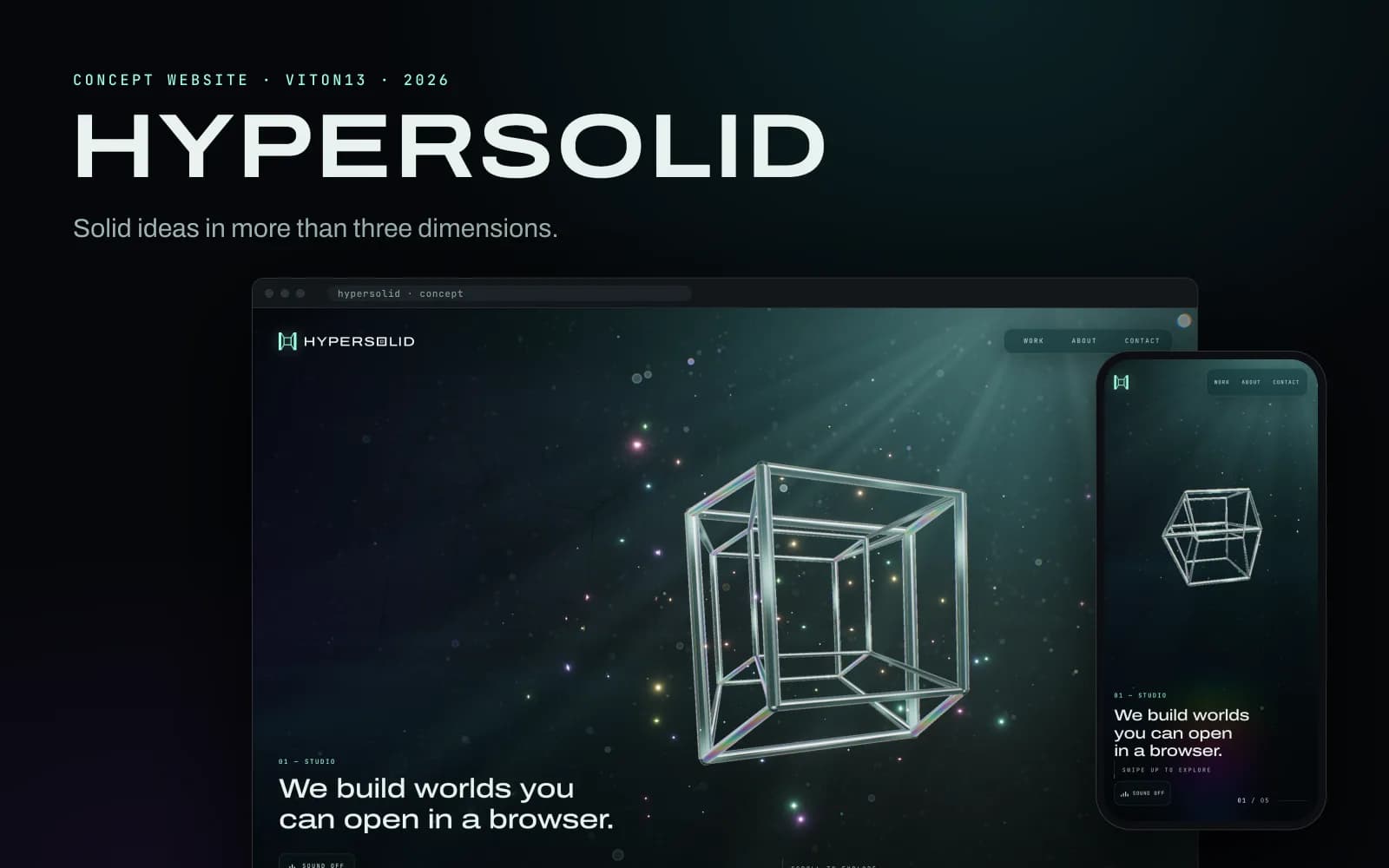
Concept↗
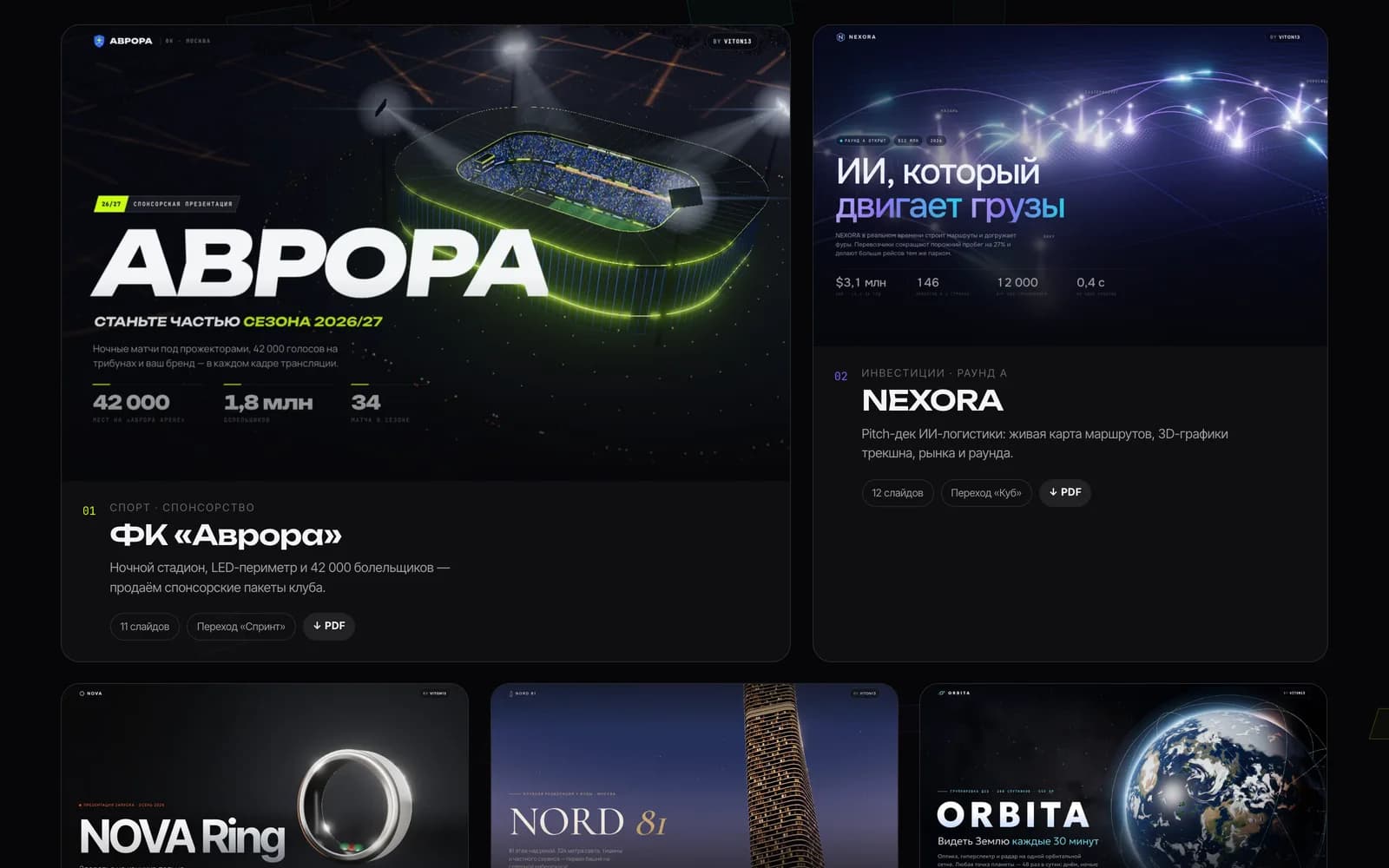
Concept site · WebGL · English · 2026HYPERSOLID

Scope and pricingYou can choose later+
01 / Scope & estimate
Mobile app UX/UI
Starting budgetFrom $93
Move a mobile product from feature list to testable flows and a reusable interface system.
Inside this scope
- Up to 3 user flows for the core tasks, from the first screen to the finished action
- Up to 15 core screens with their loading, empty, error and success states
- A library of up to 30 components the screens are assembled from, with their variants
- 1 clickable prototype of the main flow to test with users and show investors
- Layouts checked on 2 phone sizes, a small and a large screen
- Timeline: 8–15 working days
- Revisions: 2 rounds on the deliverables
- Included: only the deliverables listed in the agreed package
- Excluded: external costs and work outside the agreed scope
- Input required: brief, current materials and any access needed for this scope
- Handoff: listed deliverables plus a written completion note
A starting estimate for the selected scope. We confirm deliverables, timing and the final price in writing before work starts. External costs are separate.
What you can count on
- Written estimate within 1 working day, sent to the contact you choose.
- Scope in writing before work starts: deliverables, revision rounds and what is not included.
- We work in four languages and show prices in your currency.
- No account needed. Attachments are encrypted in this browser before upload.
Send a detailed brief or attachments
Design from $33
AI reduces repetitive production time. VITON13 passes that efficiency back to the client while human review remains part of every delivery.
Order with VITON ID
Read the full guide before ordering
Mobile App UX/UI Process for an MVP: From User Flows to Engineering Handoff
This practical walkthrough for Mobile app UX/UI moves from a bounded outcome and dependency map to testable states, engineering notes and release learning.
Open the article↗Questions people ask before buying
01How many screens does a first version usually need?+
Fewer than most feature lists suggest. Count the tasks, not the ideas: 3 core tasks with their states usually fit in 15 screens. Anything beyond that is quoted before work starts.
02Do you design for iOS and Android separately?+
One design respects both platforms' conventions for navigation and controls, checked on a small and a large phone. Separate native variants are quoted as extra screens.
03What exactly do our developers receive?+
Editable design files, the component library with variants, the clickable prototype and a handoff note with spacing, states and behaviour. Nothing has to be redrawn in code.
04Can you test the design with users?+
Yes, the prototype is made for it. We run the sessions with people you invite; recruiting outside participants and paying incentives are quoted separately.
05What does AI-assisted design change?+
AI speeds up drafts, variants and copy; a designer makes and checks every decision. The human-led option has a specialist design by hand with AI only assisting.
06Can you also build the app?+
Yes, as a separate step. A web app MVP can be built from these files; a native app is quoted once the design is approved.
What clients say
More in this category
Landing page design
Turn one offer into a clear mobile-first page with a controlled path to enquiry or purchase.
↗
Corporate website design
Make a complex company easy to understand for customers, candidates and partners.
↗
Ecommerce experience design
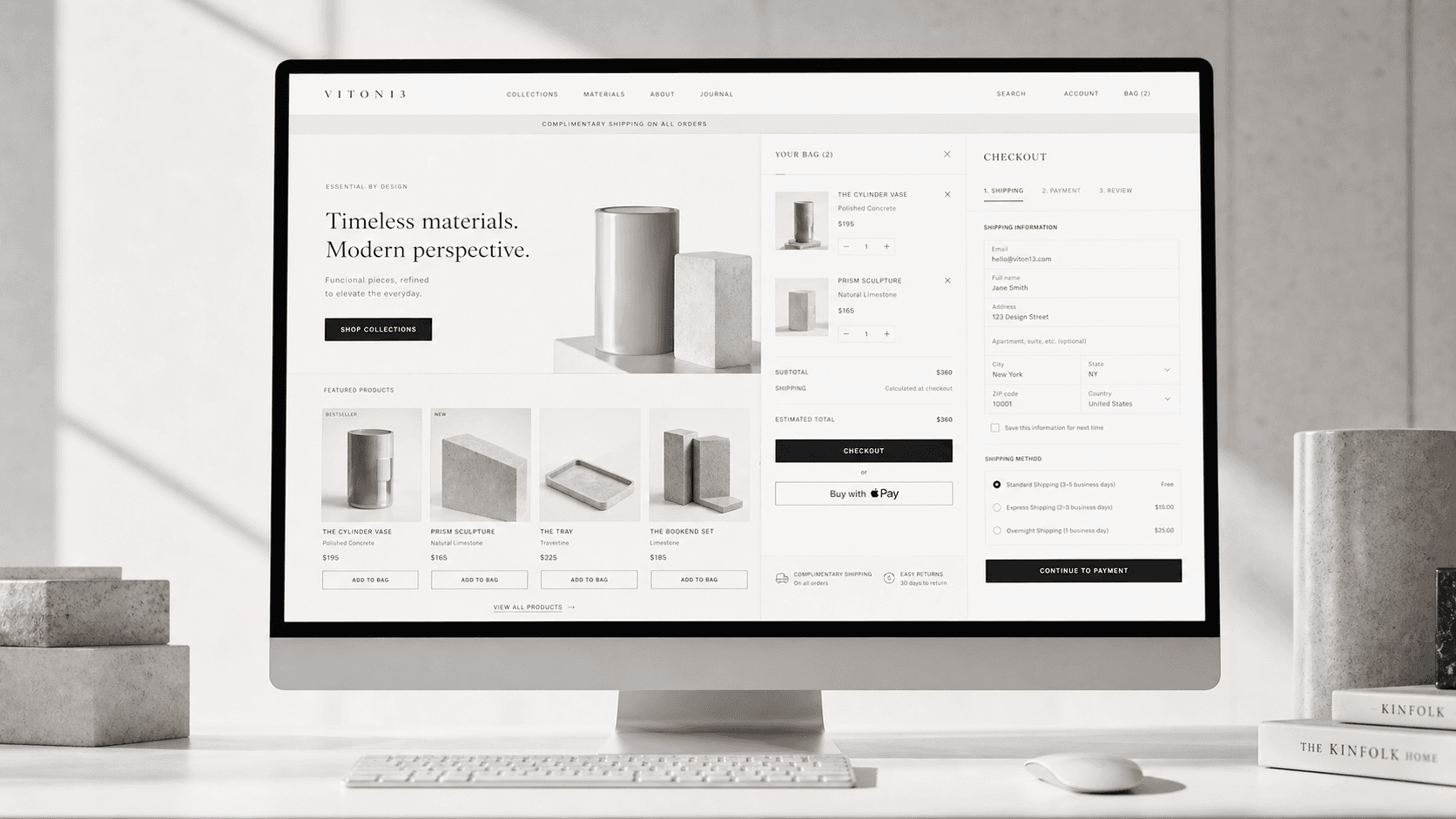
Reduce hesitation from category discovery to product choice and checkout.
↗
Brand guidelines
Document the decisions that keep a brand consistent across people, vendors and channels.
↗